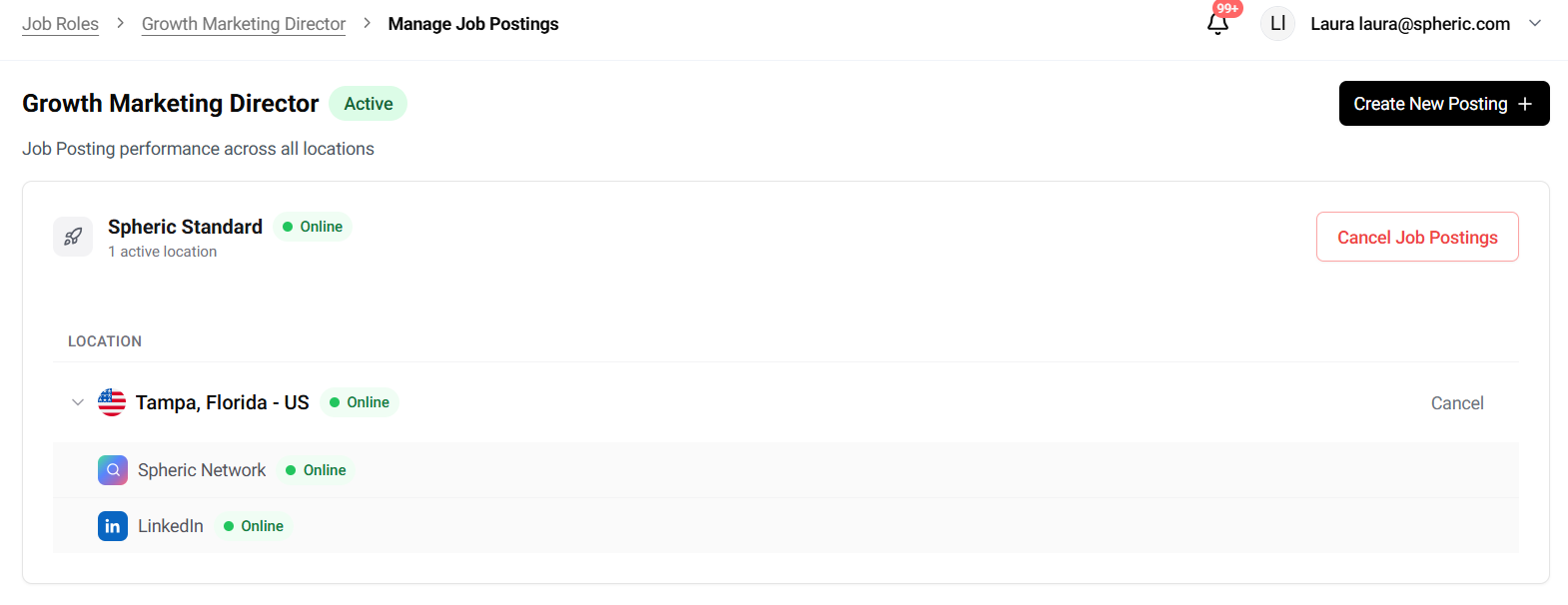
Where is my role posted?
Once your job is published, Spheric begins collecting and organizing candidates automatically.
Once your job is published, Spheric begins collecting and organizing candidates automatically.
This article provides a high-level overview of what happens after your job goes live and where to view incoming applicants.
What happens after you publish a job
After publishing your role:
- Your job is posted on the selected job boards
- Candidates apply through those platforms
- All applications are collected in Spheric
- AI screening and interviews begin automatically
- You’ll receive an email notification each time a candidate reaches the manual review stage. This is the right moment to go through those applicants and schedule interview calls with them.
As candidates move forward, they are automatically organized so you can review them in one place.
Where is this role posted?
Where your role is posted depends on the job board(s) you selected and your posting plan.
Job boards
When publishing a role, you can choose to post on:
- Indeed
- Organic job boards
Your role will appear on the platforms selected during checkout.
Posting model
Your posting model determines how and where the role is distributed:
- Pay-as-you-go
The role is published through Spheric’s job board distribution network. - Business plan
The role may be posted through your company’s own job board accounts (such as LinkedIn or Indeed), depending on your setup.
To understand how the columns and each stage of the process work within the platform, see “Applicant Board.”