Notifications
Spheric sends notifications to keep you updated on important events throughout your hiring process.
Spheric sends notifications to keep you updated on important events throughout your hiring process.
These notifications help you stay on top of candidate progress without needing to constantly check the platform.
When you’ll receive notifications
You may receive notifications for events such as:
- A candidate reaching the Manual review stage
- A new candidate applying to your role
- Updates in the hiring process
Manual review notifications
You will receive an email notification every time a candidate reaches the Manual review stage.
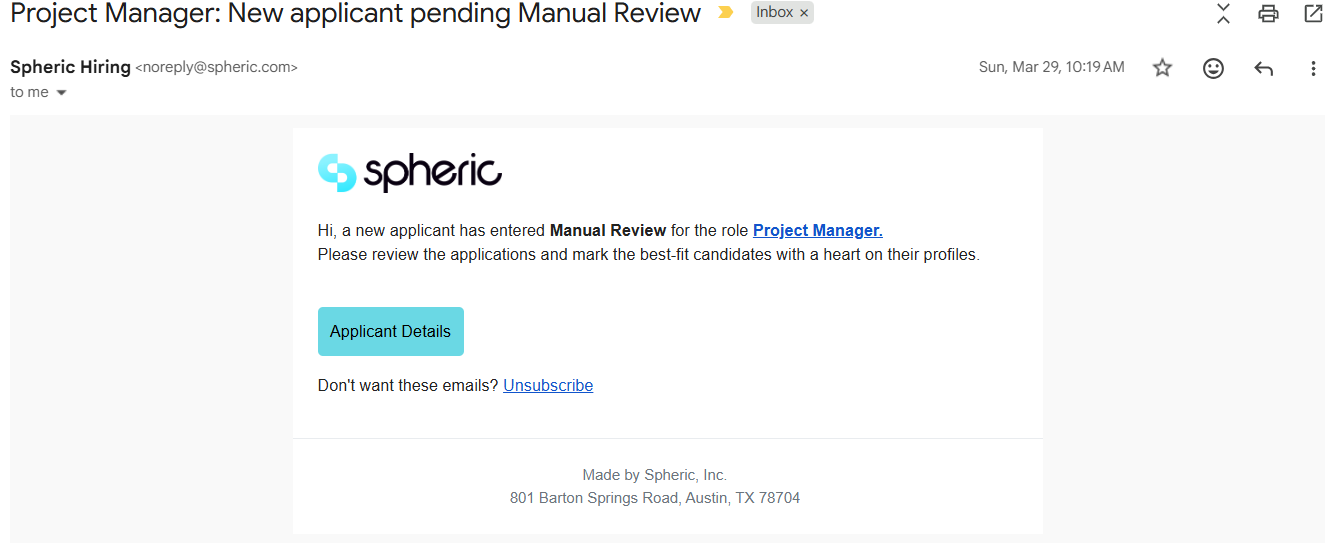
This is the point where the candidate has passed all automated steps, which means they are ready for your review. This is the right moment to review their profile and schedule interviews or calls.
Where to find notifications
Notifications are typically sent via email.
Make sure to check:
- Your inbox
- Spam or junk folder (if you’re not seeing them)
What to do when you receive a notification
- Open the role in Spheric
- Review the candidate in the Applicant Board
- Take action (message, schedule interview, move stage)
Troubleshooting
Messaging a candidate
You can communicate directly with candidates from within Spheric using the Messages tab in the applicant card.
Integrations overview
Only users with ATS admin access can connect integrations. If you are not an admin, ATS connection options and permissions will not appear in your account.