Applicant Board
All candidates are available in the Applicant Board, which is tied to each job post.
All candidates are available in the Applicant Board, which is tied to each job post.
To access it:
- Go to your dashboard at https://app.spheric.com/
- In the left-hand panel, click on Active
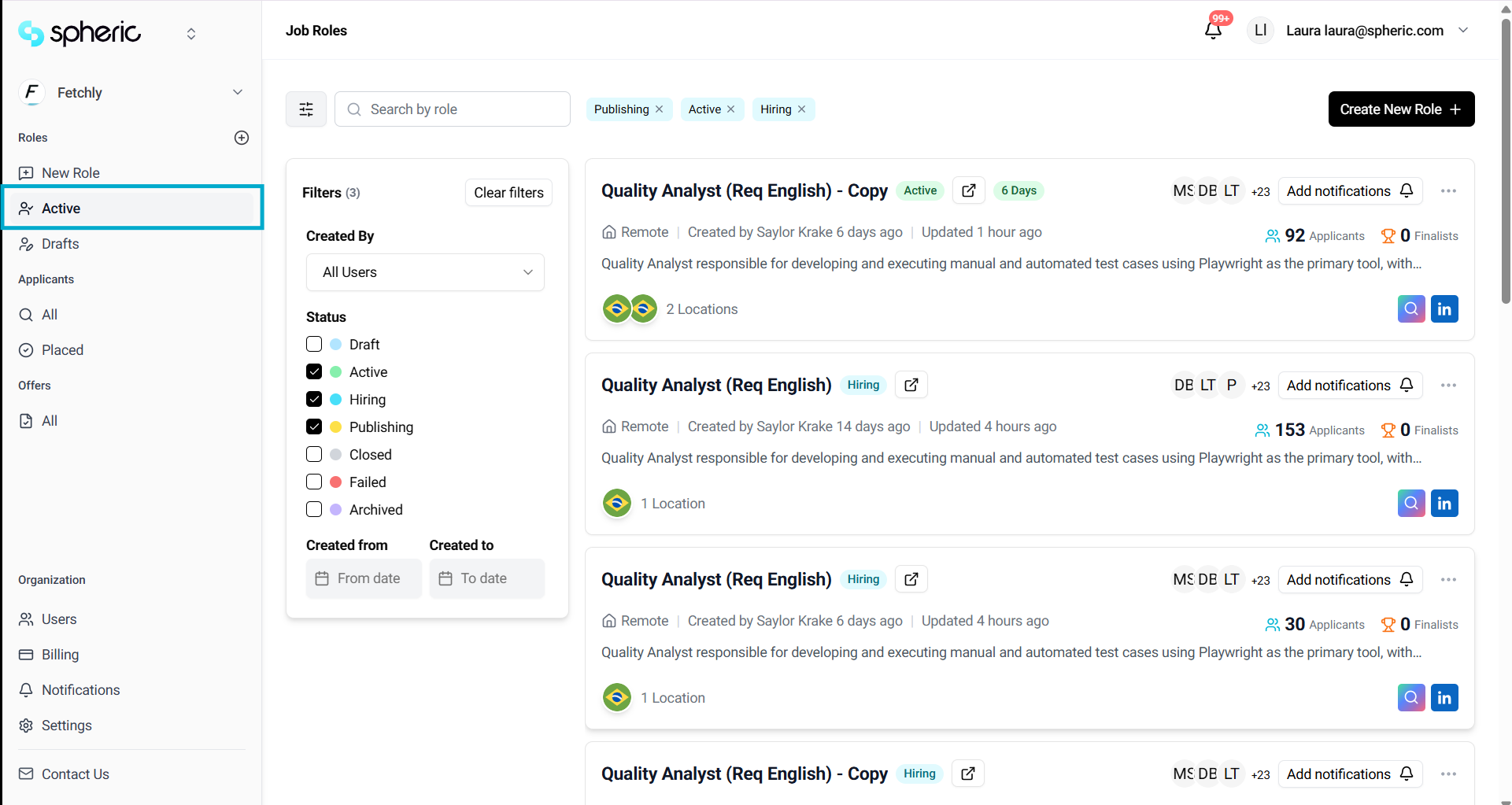
- Select the role you want to review
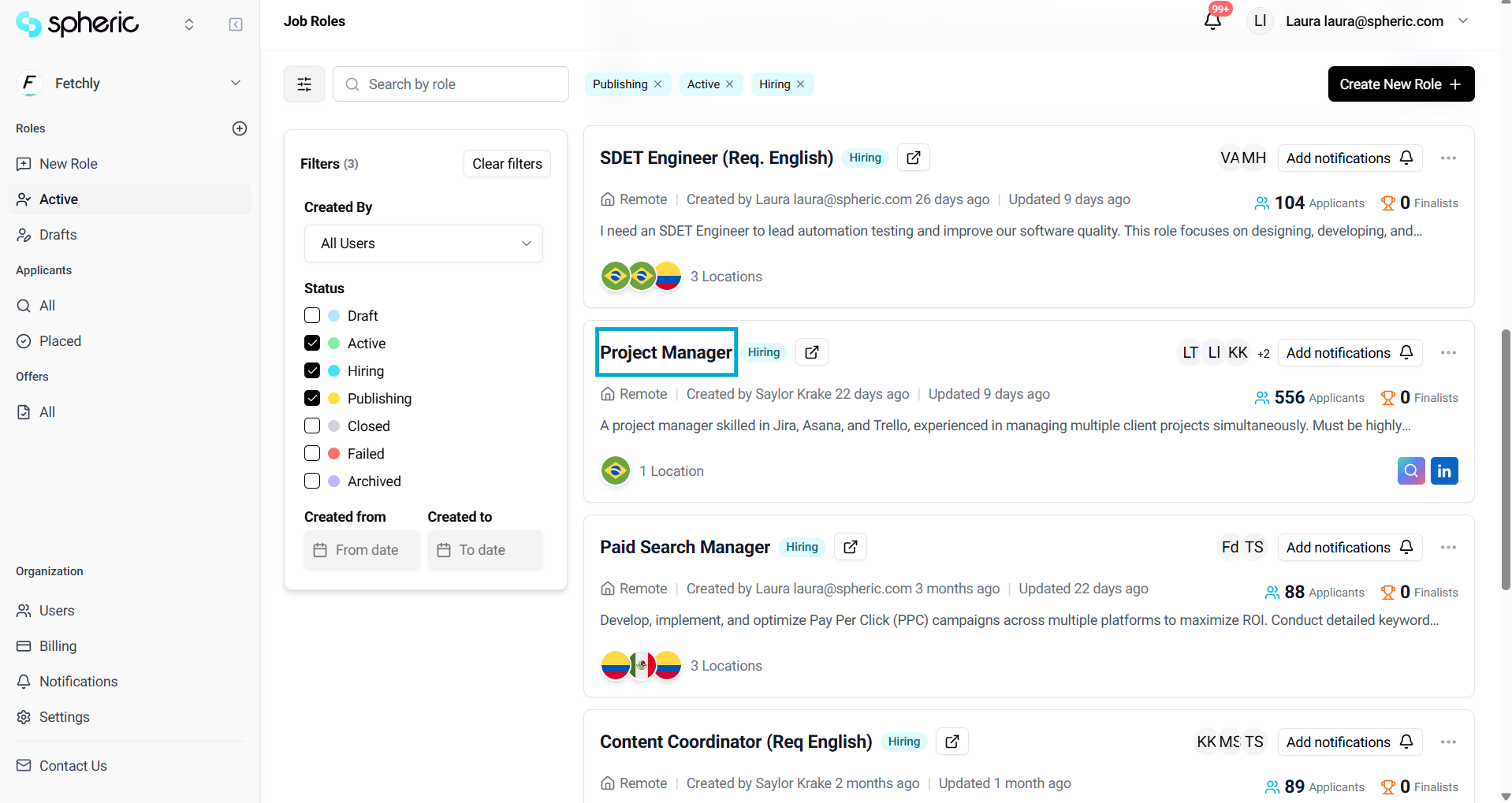
This will open the Applicant Board for that specific role.
Understanding the applicant board
The Applicant Board gives you a structured view of all candidates for a role.
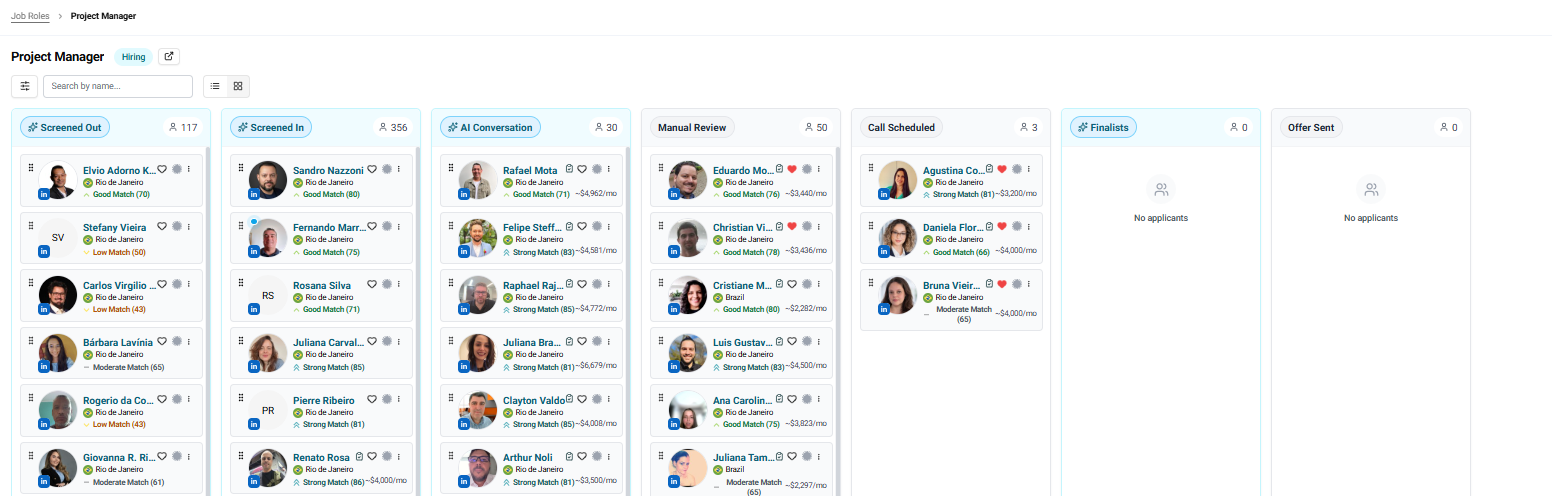
Candidates are organized into stages, allowing you to quickly understand where each person is in the process.
You’ll see the following columns:
Screened Out
Candidates in the Screened Out stage did not meet the required criteria during the initial screening process.
These candidates do not match or fall below the thresholds defined when the role was created. As a result, they will not move forward to the next stage.
How this stage works
During the initial screening phase, Spheric’s AI analyzes each applicant’s resume and online presence to verify the accuracy of their experience and assess how relevant their background is to the role. Once the evaluation is complete, each candidate receives a set of scores based on key criteria.
Evaluation criteria
Candidates are assessed based on:
- Work experience
- Job reliability
- Educational background
- Primary skill match
Each of these factors is evaluated against the thresholds you defined when creating the role.
What happens next
- Candidates in this stage will not progress to other stages
- No further action is required from your side
- You can still review their profiles for reference if needed
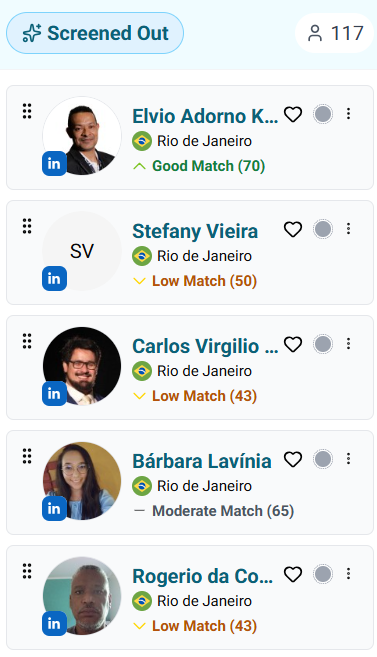
If you click on the column name, you’ll be able to see the evaluation metrics selected for that stage, along with additional details about how candidates are assessed.
Screened In
Candidates in the Screened In stage have successfully passed the initial screening filters.
These applicants meet or exceed the thresholds defined when the role was created and are considered moderate, good, or great matches for the position.
At this stage, candidates are invited to complete an initial form so you can gather more information about their profile.
How this stage works
After passing the initial screening, candidates receive an initial form. This step helps collect additional information beyond their resume, and responses are evaluated against your predefined criteria. During this phase, Spheric engages with candidates through an automated conversational interface.
This allows the platform to build a more complete view of each candidate by analyzing their responses and generating additional evaluation scores.
Evaluation criteria
Candidates are further assessed based on:
- English fluency
- Timezone match
These factors help determine whether the candidate is a strong fit for the role and ready to move forward.
What happens next
- Candidates who meet the criteria move automatically to the next stage
- Candidates who do not meet the thresholds may not progress further
- No manual action is required at this stage
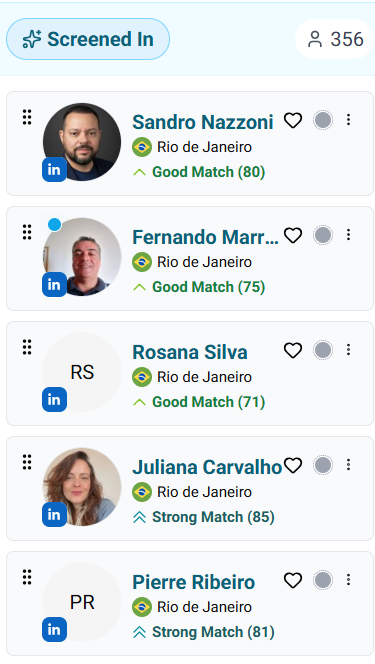
If you click on the column name, you’ll see a summary of what happens in this stage, along with the evaluation criteria used.
AI Conversation / AI Technical Interview
This stage may appear as AI Conversation or AI Technical Interview, depending on your role setup.
Candidates in this stage have completed the initial form during the previous stage and met or exceeded the selected thresholds, and are considered moderate, good, or strong matches based on their profile, work experience, and screening responses.
How this stage works
At this stage, candidates are automatically invited to complete the AI Interview or the AI Technical Challenge (depending on the setup). This process is fully automated and requires no manual action.
Spheric uses Quinn AI to conduct structured, personalized interviews.
There are two main components:
- Quinn AI Interview
A personalized interview designed to evaluate the candidate’s strengths and overall fit for the role. - AI Interview Screening
An AI-powered evaluation that analyzes candidate responses and performance before determining if they should move forward.
Evaluation criteria
Candidates are assessed based on multiple signals, including:
- Profile and work experience
- Responses from previous stages
- Performance in the AI interview or technical challenge
Each candidate receives an evaluation score (e.g., Balanced) based on these inputs.
What happens next
- Candidates who meet the criteria move automatically to the next stage
- Candidates who do not meet the thresholds may not progress further
- No manual action is required at this stage
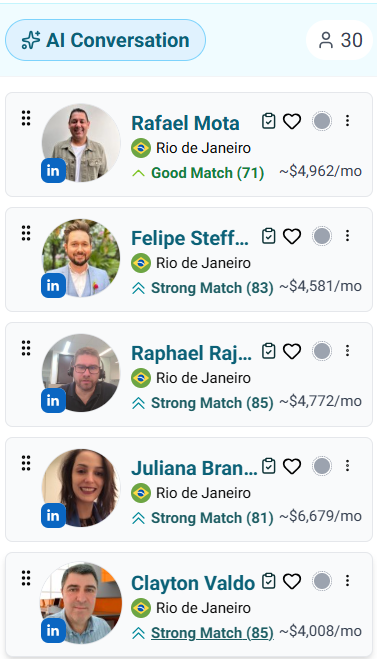
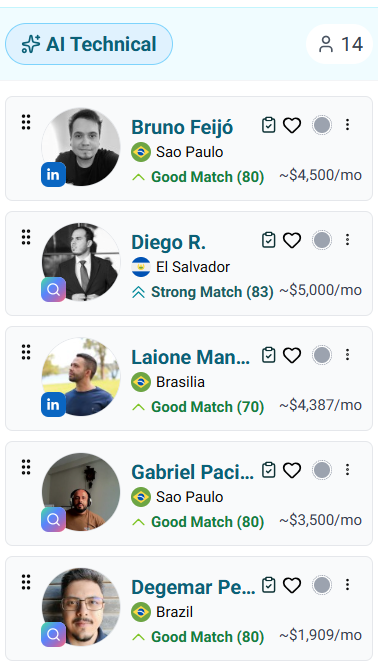
In this stage, you won’t see a summary when clicking on the column name. Instead, you’ll have the option to edit the AI Interview.
To learn more about this, see “Editing an AI interview.”
Manual review
Candidates in the Manual review stage have successfully passed all previous screening steps and meet the criteria defined for the role.
These candidates are considered the strongest matches based on their profile, experience, and performance throughout the process.
How this stage works
At this stage, candidates are ready for human evaluation. This is the moment to review candidate profiles in detail, analyze their responses and evaluation results, and start interacting with them directly.
You can reach out to candidates through the Messages section in the applicant card to begin the next steps in your hiring process.
To learn more, see:
Evaluation criteria
Candidates in this stage have been evaluated based on:
- Resume and experience validation
- Screening thresholds defined for the role
- Initial form responses
- AI interview or technical assessment performance
All candidates in Manual review meet or exceed the required thresholds.
What happens next
- You will need to manually move candidates to the next stage
- Typically, this involves scheduling interviews or calls
This is the stage where hiring teams take action and begin direct engagement with candidates.
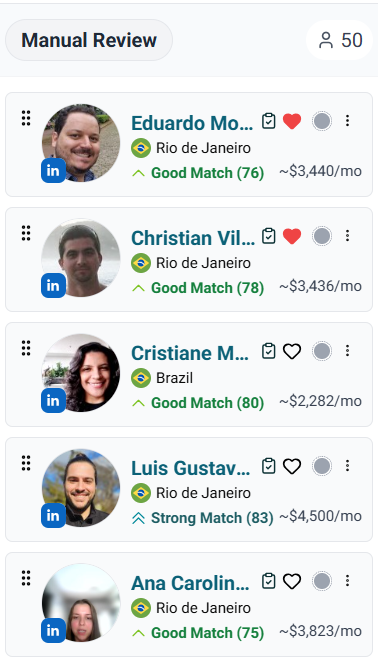
Note
Candidates will not move forward automatically from this stage. You must manually update their status as you progress in your hiring process.
Call scheduled
Candidates in the Call scheduled stage are those you’ve selected to move forward with a live interview or call.
How this stage works
To move a candidate into this stage, you must manually update their status. This typically happens after you’ve reviewed the candidate in Manual review, you’ve contacted them, and have scheduled a call or interview.
Moving candidates to this stage helps you keep track of who is actively in your interview process.
Evaluation criteria
There are no new automated evaluations at this stage.
Candidates here have:
- Passed all previous screening steps
- Been selected manually based on your review
What happens next
- Conduct your scheduled interview or call
- Continue evaluating the candidate based on your internal process
- Move candidates to the next stage (e.g., offer, hired, or rejected) based on the outcome
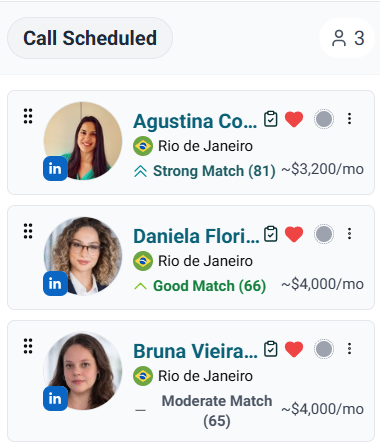
This stage is fully manual and used for organization. Make sure to update candidate statuses as your process moves forward.
Finalists
Candidates in the Finalists stage are those who have successfully passed interviews and are considered top contenders for the role.
How this stage works
To move a candidate into this stage, you must manually update their status. This typically happens after completing interviews or calls, and identifying the strongest candidates.
Moving candidates to this stage helps you keep track of your final pool before making a hiring decision.
During this phase, Spheric sends a message when a candidate reaches the Finalists stage to help keep top applicants engaged.
Evaluation criteria
There are no new automated evaluations at this stage.
Candidates here have:
- Passed all previous screening steps
- Performed well in interviews or calls
- Been selected manually as top candidates
What happens next
- Compare your finalists
- Conduct any final evaluations if needed
- Move forward with your hiring decision
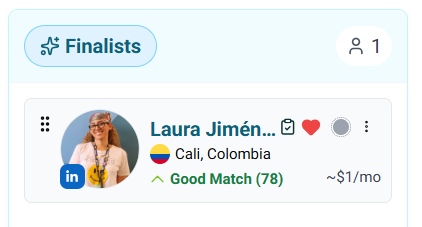
This stage is managed manually and is intended to help you organize and track your top candidates before making a final decision.
Offer sent
Candidates in the Offer sent stage are those who have received a job offer.
How this stage works
To move a candidate into this stage, you must manually update their status. This typically happens after completing all interviews, selecting your preferred candidate(s), and extending a formal offer.
Moving candidates to this stage helps you track who is currently in the offer phase.
Evaluation criteria
There are no new automated evaluations at this stage.
Candidates here have:
- Passed all previous stages
- Been selected as final candidates
- Received an offer based on your internal decision process
What happens next
- Wait for the candidate’s response
- Follow up if needed
- Change the candidate status to Approved if they accept
- Change the candidate status to Rejected if they decline
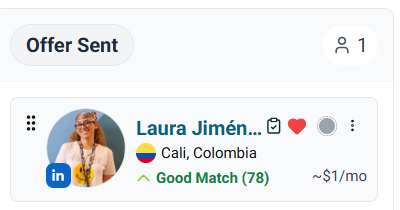
This stage is fully manual and used to track offer progress. Make sure to update the candidate’s status once a final decision is made.
The Applicant Board is designed to help you track candidates throughout every stage of your hiring process—from initial screening to final decision.
- Early stages are automated (AI screening and interviews)
- Later stages are manual, allowing you to take control of candidate interactions and decisions
Keeping candidate statuses updated ensures your hiring process stays organized and efficient.