Payment
Spheric processes payments during the job publishing and reposting process.
Spheric processes payments during the job publishing and reposting process.
Payment is required to activate your job posting.
When you pay
You will complete payment when:
- Publishing a new job
- Reposting a role
- Adding a new location
How payment works
- Payment is completed during checkout
- Your job will go live only after payment is successfully processed
Payment steps
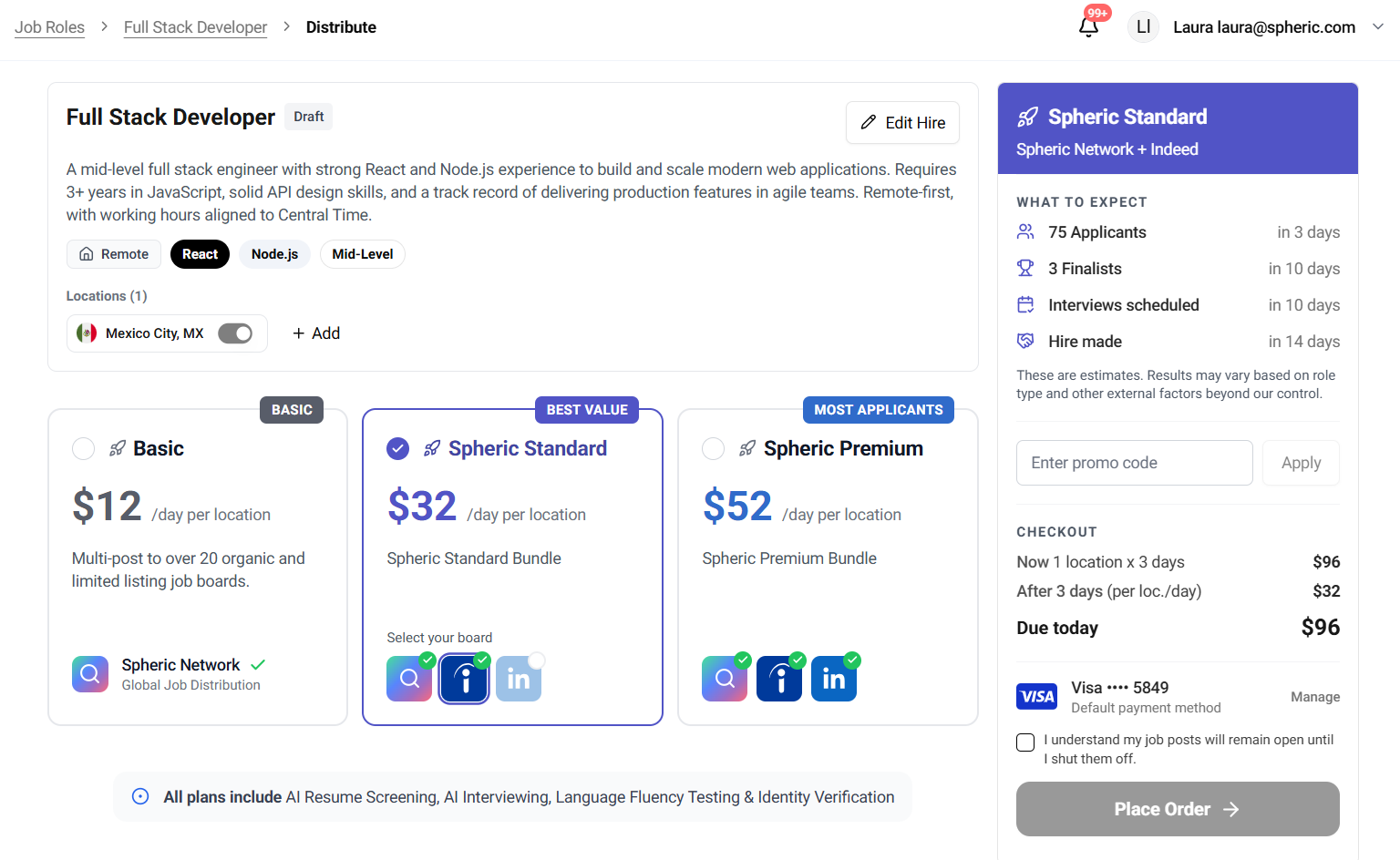
During checkout:
- Select your plan
- Review pricing
- Enter payment details
- Confirm your purchase
Payment methods we accept
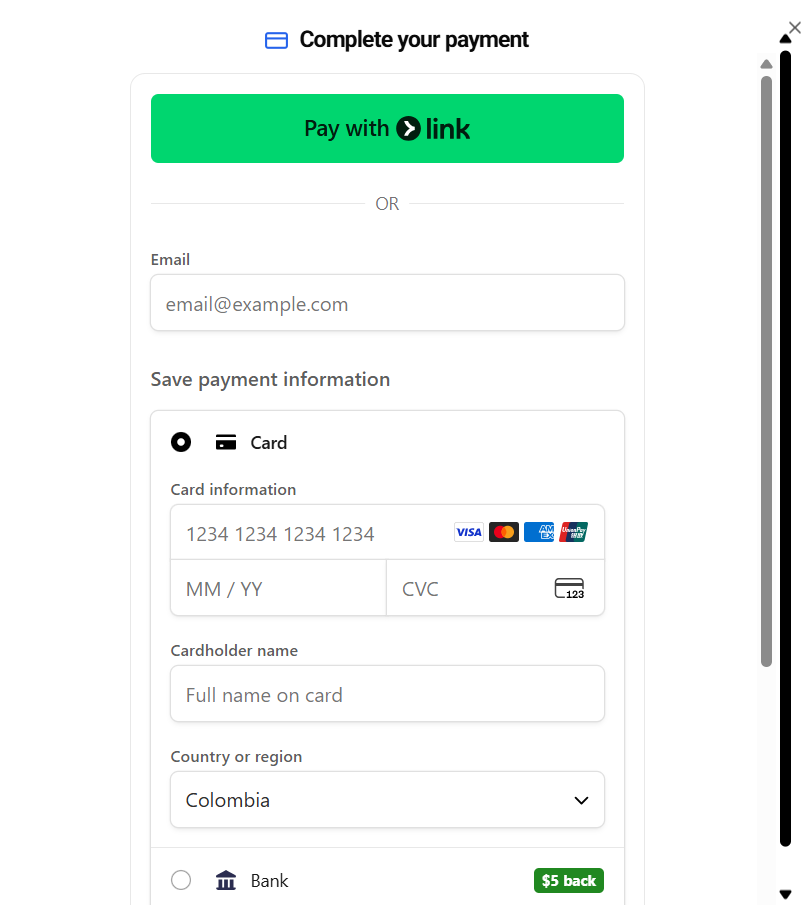
Spheric supports the following payment methods during checkout:
Card payments
You can pay using major credit and debit cards, including:
- Visa
- Mastercard
- American Express
- Other supported card providers
Bank payments
In some cases, bank payment options may be available.
What you need to provide
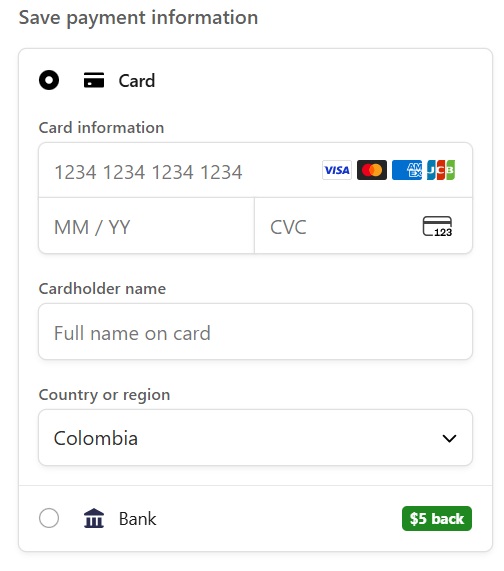
When paying with a card, you’ll be asked to enter:
- Card number
- Expiration date
- CVC
- Cardholder name
- Country or region