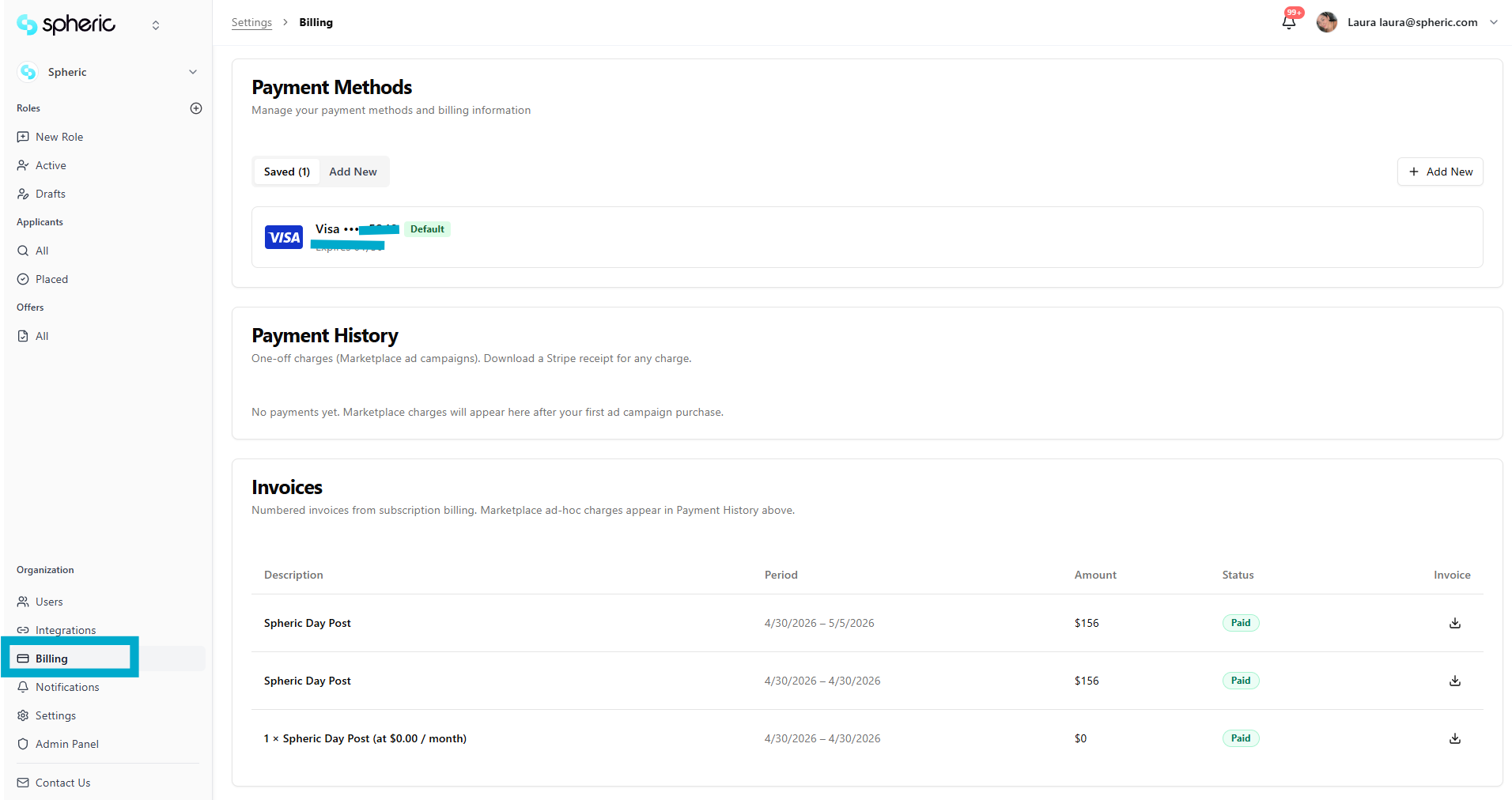
Billing cycle
Spheric uses a daily billing model for pay-as-you-go plans.
Spheric uses a monthly subscription billing model.
Once a plan is selected and activated, your subscription renews automatically on a monthly basis, allowing you to continue posting roles and using platform features without interruption.
How billing works
- Choose and activate your preferred Spheric plan
- Your subscription is billed monthly
- Billing renews automatically unless canceled
Once your subscription is active, you can immediately begin:
- Posting roles
- Managing applicants
- Using AI interviews and evaluations
- Accessing integrations and hiring tools
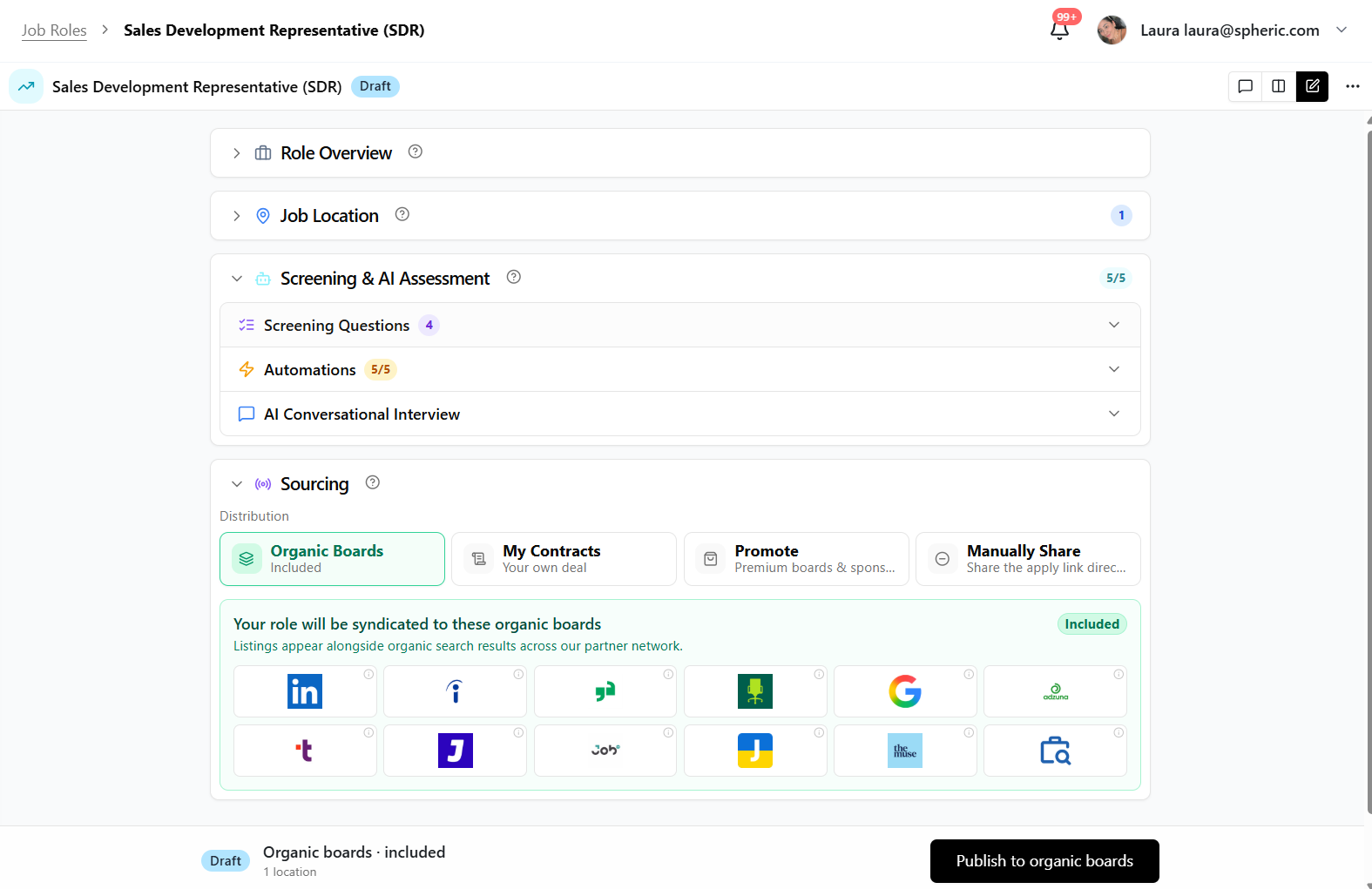
What’s included in your subscription
Depending on your selected plan, your subscription may include:
- AI-powered screening
- AI interviews
- Technical assessments
- ATS integrations
- Job board distribution
- Analytics and hiring insights
- Team collaboration tools
To learn more about plan features, visit:
- Spheric plans
You can also compare plans on the official Spheric website:
Automatic renewals
Subscriptions renew automatically every month to ensure uninterrupted access to the platform and active hiring workflows.
How to manage your subscription
You can manage your subscription through your billing settings, including:
- Viewing billing information
- Reviewing invoices
- Updating payment methods
- Managing active subscriptions