View invoices
You can view your invoices at any time to track your payments and billing history.
You can view your invoices at any time to track your payments and billing history.
This helps you stay organized and keep records of all transactions.
How to view invoices
1. Go to your dashboard
Go to: https://app.spheric.com/
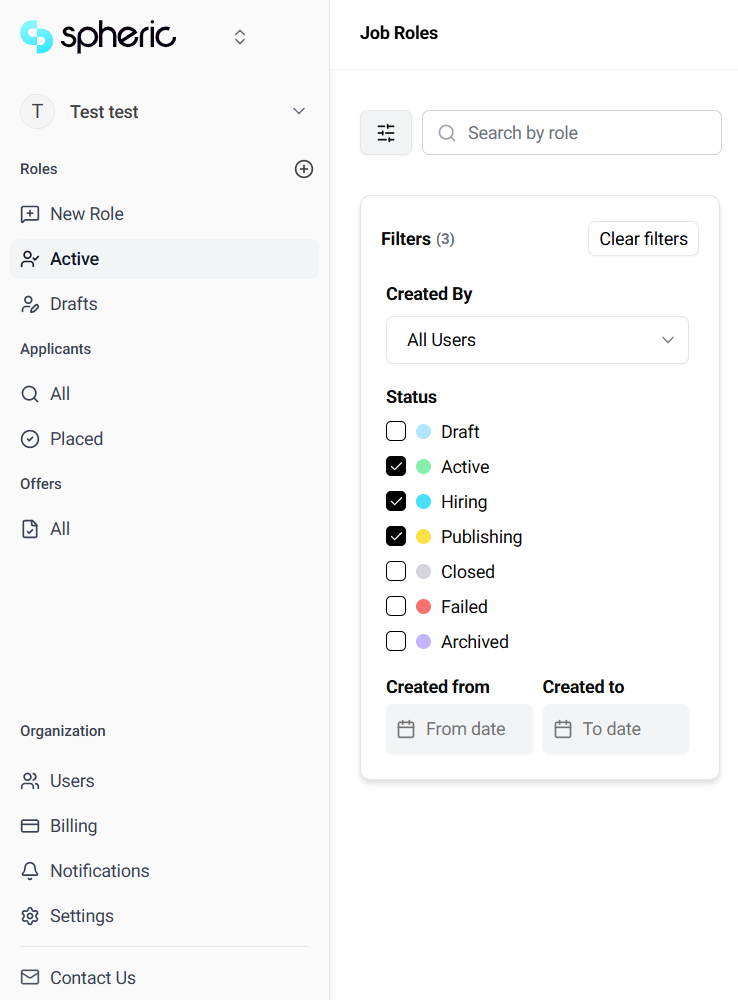
2. Navigate to billing settings
Go to the Billing section.
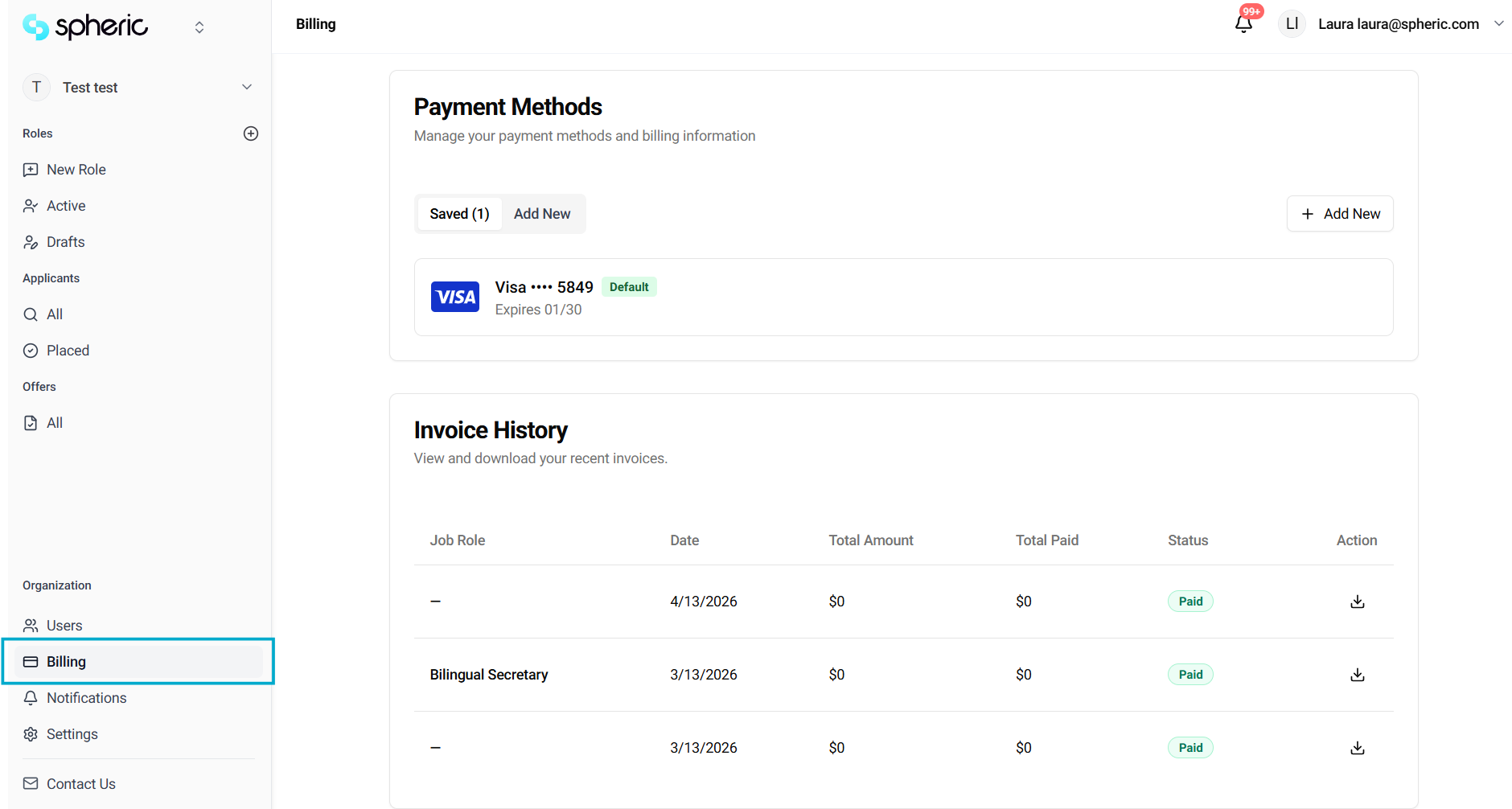
3. Open invoices
Find the role name where you need to take the receipt invoice from

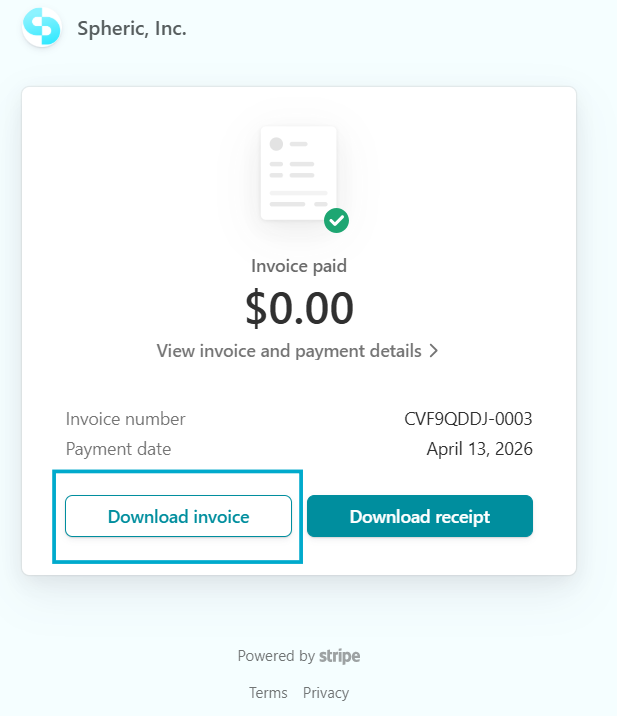
4. View or download an invoice
- Download the invoice
What you’ll find in an invoice
- Plan selected
- Job posting details
- Billing period
- Amount charged
- Payment status
When invoices are generated
Invoices are created:
- After completing a payment
- As billing continues for active job postings