Create your account
Creating your Spheric account is quick and only takes a few minutes.
Creating your Spheric account is quick and only takes a few minutes.
Step-by-step
1. Go to the sign up page
Go to https://app.spheric.com/ and click on "Sign in."

Then, in the top right panel, navigate to the Sign up section.

Or go directly to https://app.spheric.com/signup.
2. Enter your details
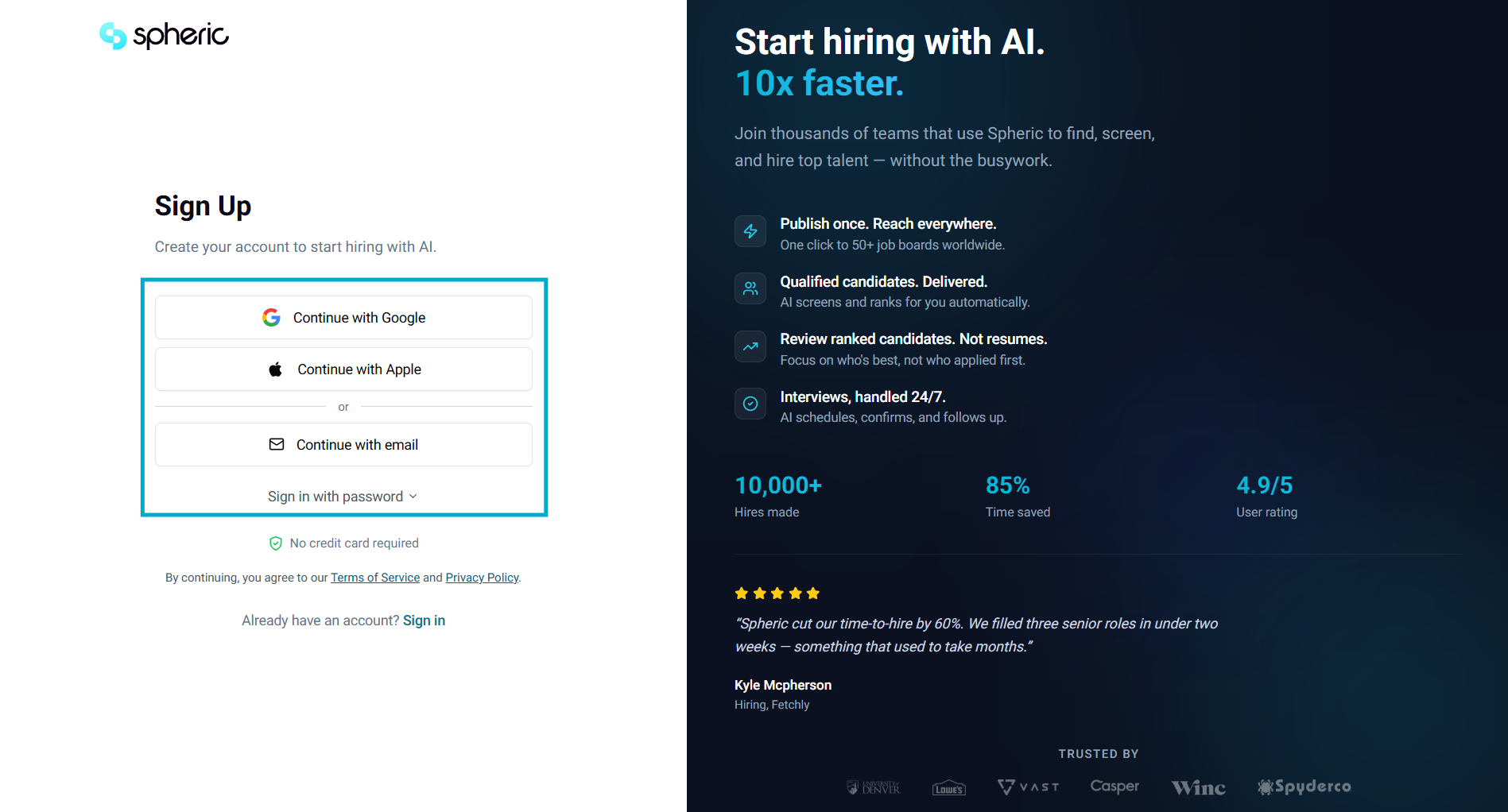
Choose your preferred sign-up method:
- Continue with Google
- Continue with Apple
- Or sign up using your email
If using email, enter your name, email address, and password.
3. Complete your account setup
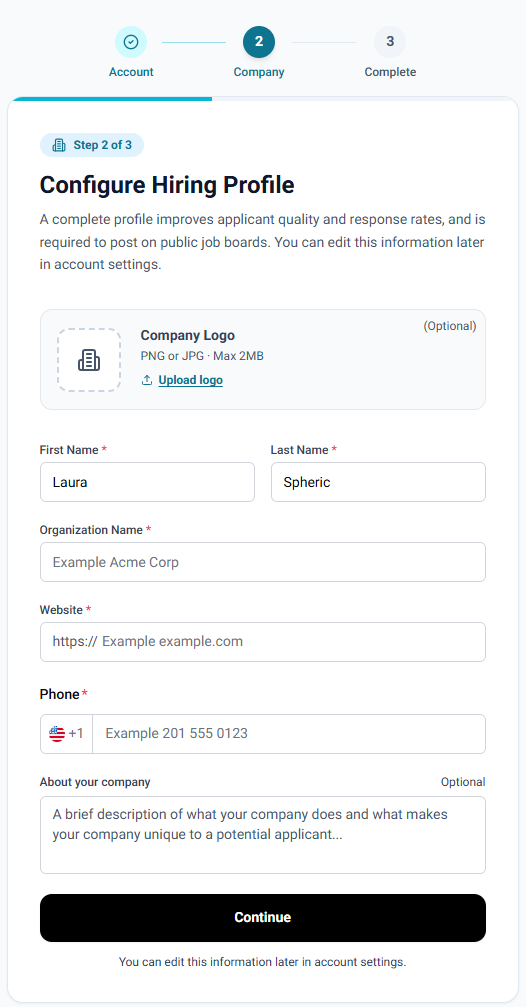
Follow the on-screen steps to finish setting up your account. This includes basic information about your company and a brief description of your hiring needs.
5. Access your dashboard
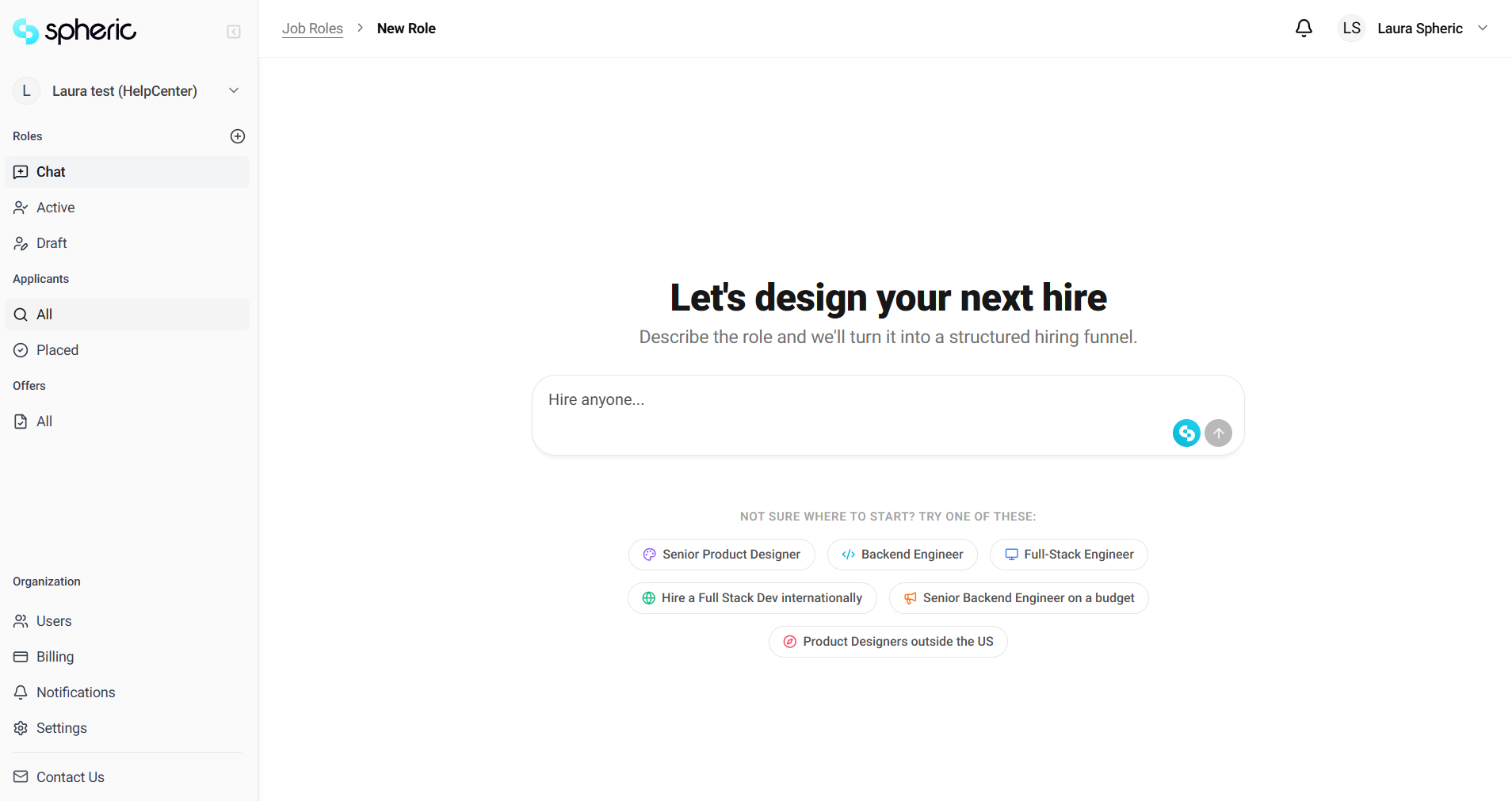
Once logged in, you’ll be redirected to your dashboard, where you can manage your jobs and candidates.
From here, you can start creating jobs and managing candidates.
To learn how to publish your first role, see “Create your first job.”