Access you Account
You can access your Spheric account at any time from the login page.
You can access your Spheric account at any time from the login page.
Step-by-step
1. Go to the Sign in page
Go to https://app.spheric.com/ and navigate to the Sign in section.

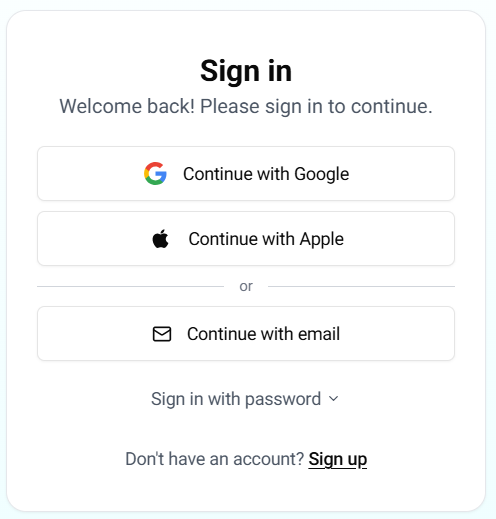
2. Enter your credentials
Log in using the same method you used to sign up: Google, Apple, or email and password.
3. Access your dashboard
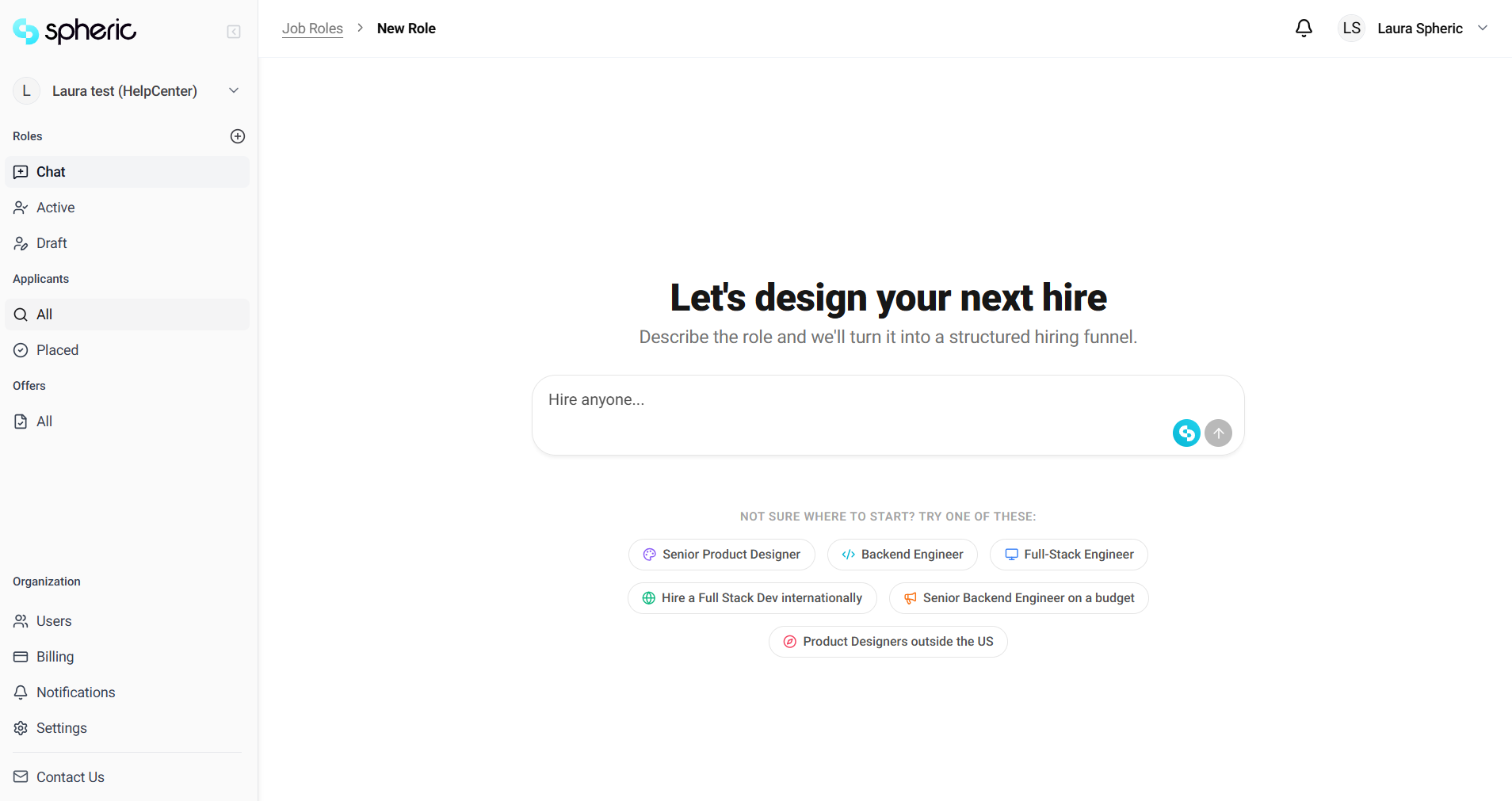
Once logged in, you’ll be redirected to your dashboard, where you can manage your job posts and candidates.
Forgot your password?
If you signed up using email and forgot your password:
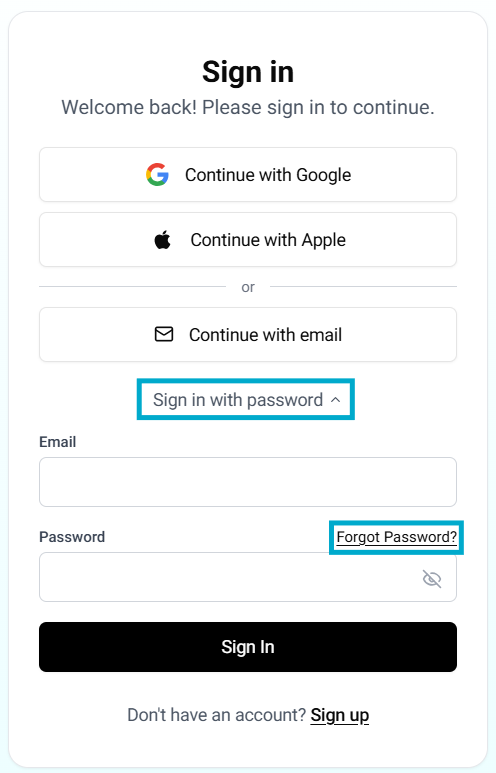
- Click on Sign in with Password on the Sign In page
- Click on Forgot Password
- Enter your email address Provide the email associated with your account.
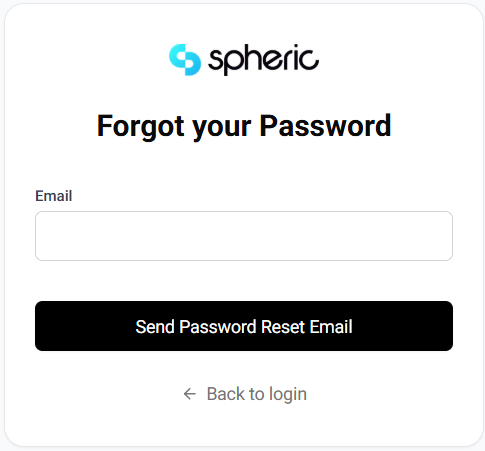
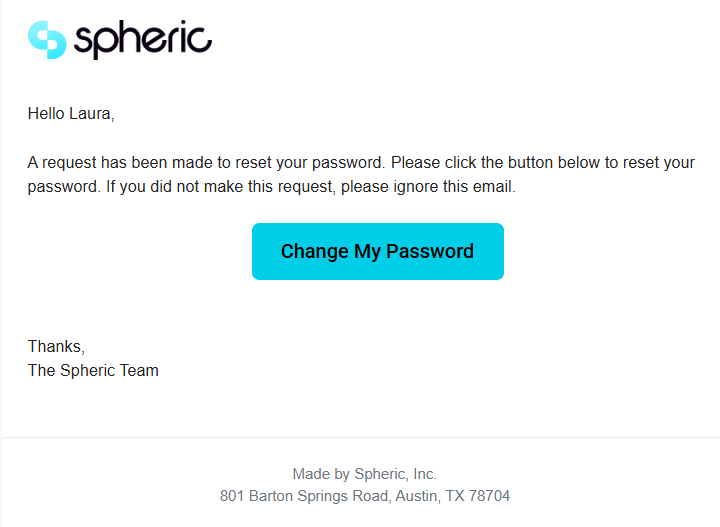
- Check your inbox Follow the instructions in the email to reset your password.