Review transcripts
You can review transcripts of candidate responses from AI interviews to better understand their answers and evaluation.
You can review transcripts of candidate responses from AI interviews to better understand their answers and evaluation.
Transcripts allow you to quickly scan responses without needing to watch the full video.
How to review transcripts
1. Go to your dashboard
Go to: https://app.spheric.com/
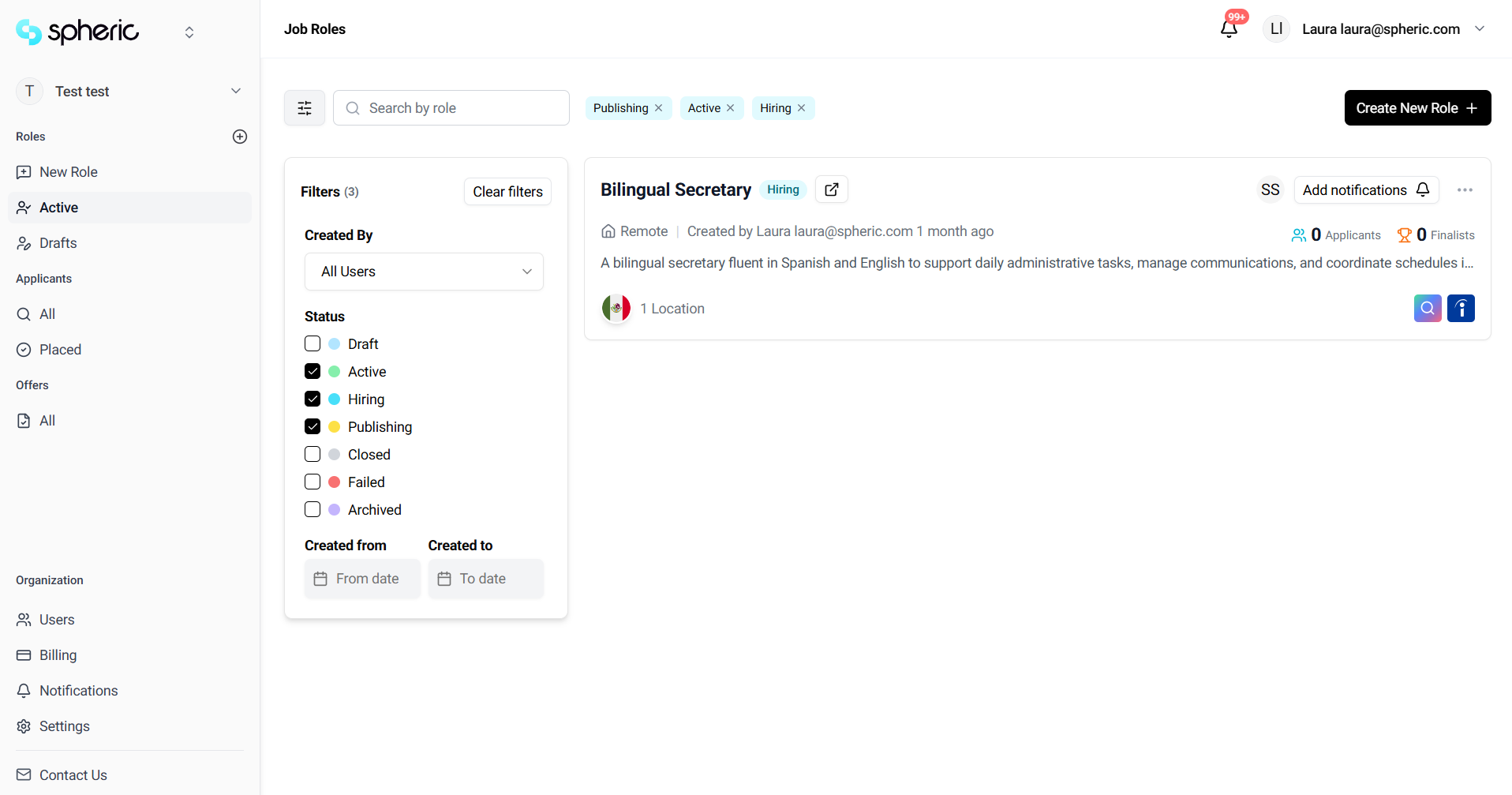
2. Select a role
Click on the role where the candidate is located.
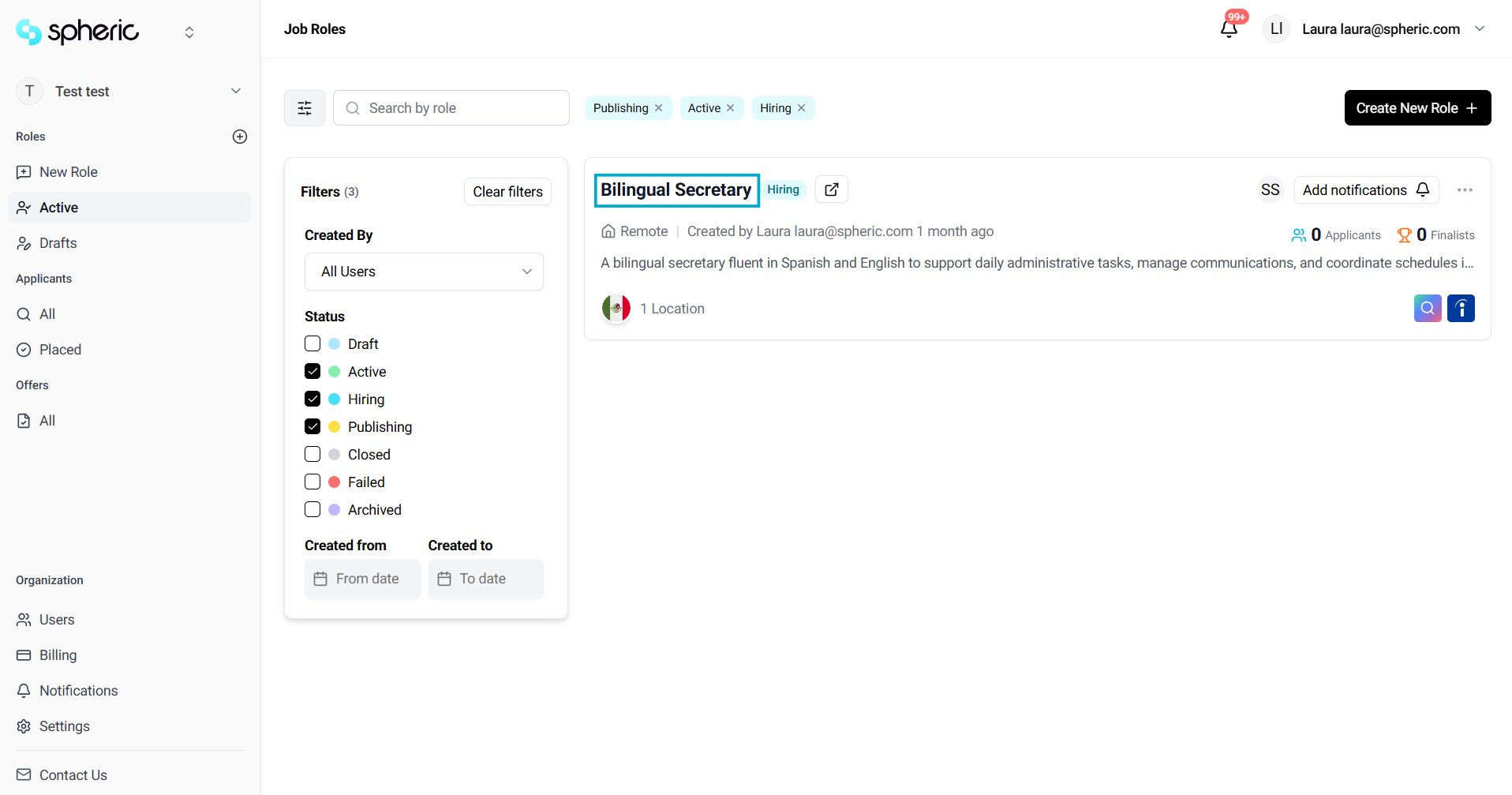
3. Open the Applicant Board
Navigate to the Applicant Board for that role.
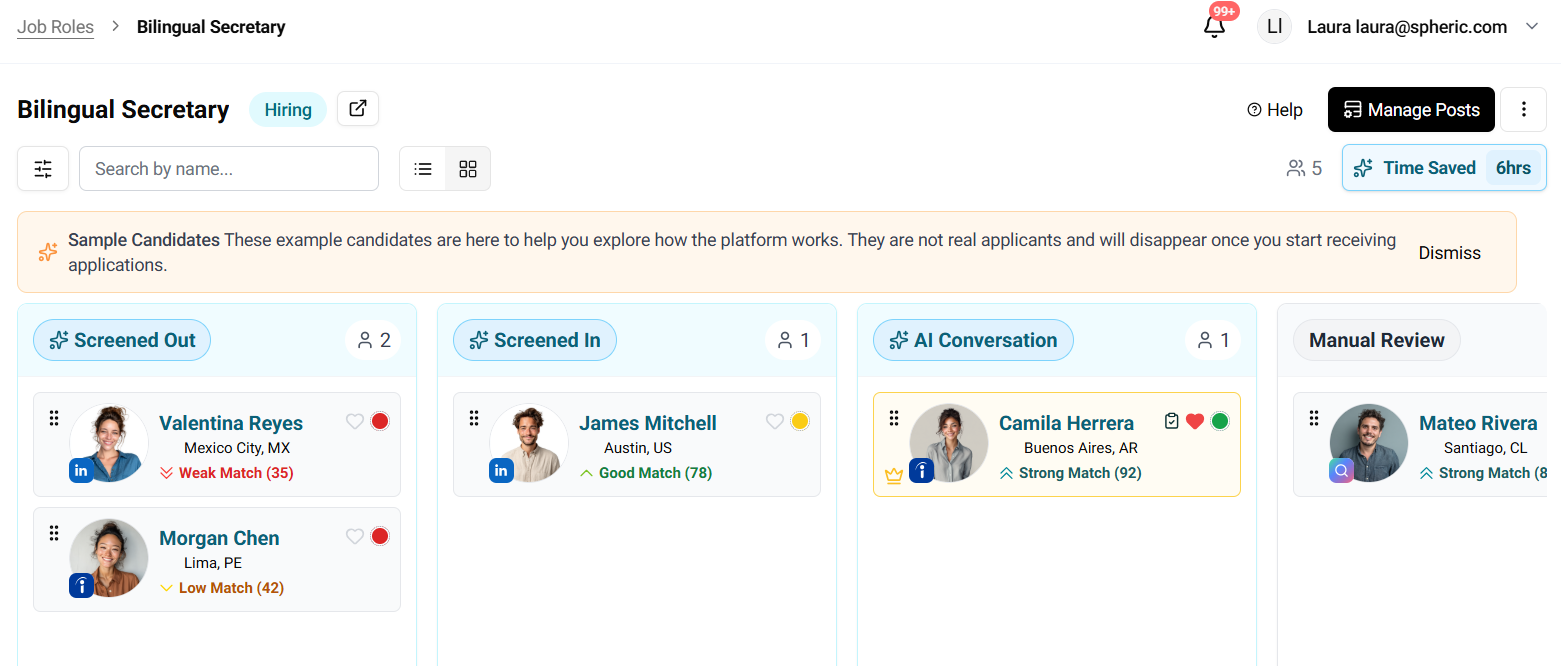
4. Open the applicant card
Click on the candidate you want to review.
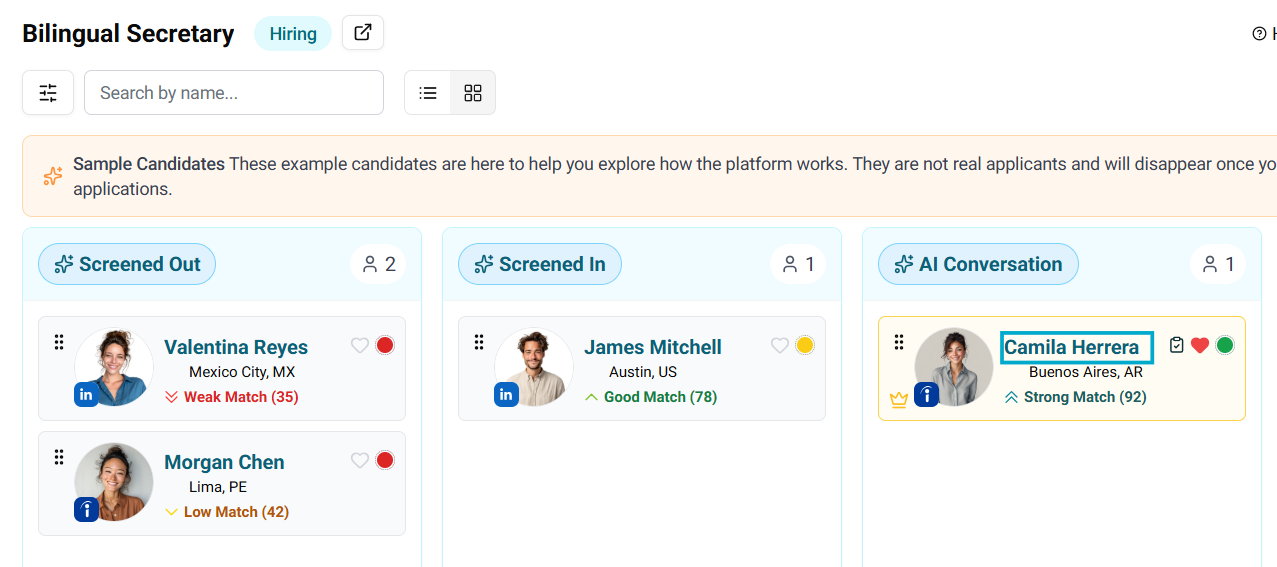
5. Go to the Interview tab
Click on the Interview tab inside the applicant card.
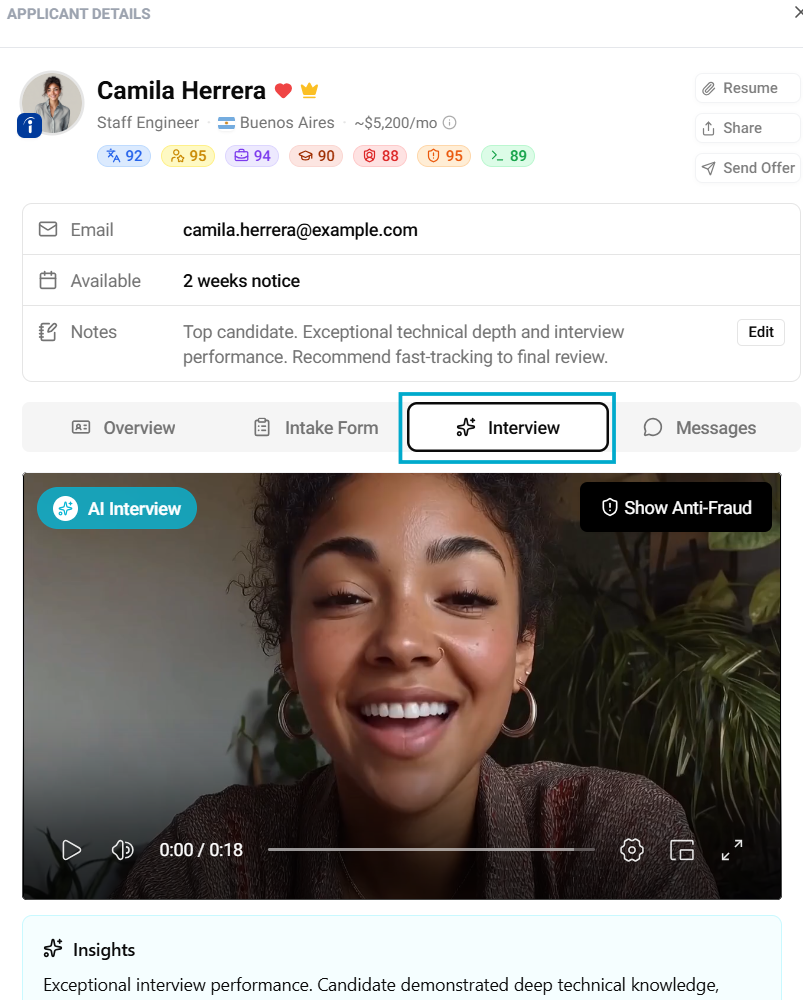
6. View transcripts
Scroll down through the interview section to read the transcript of the candidate’s responses.
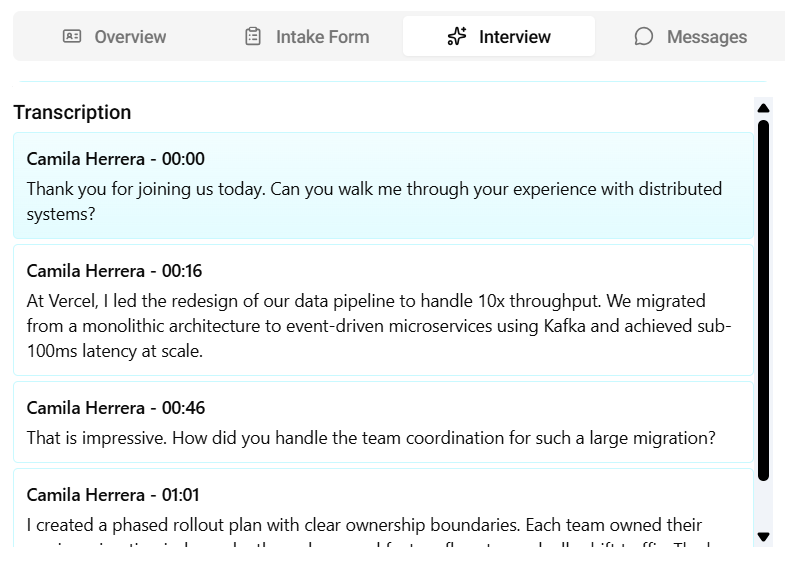
What you’ll find in transcripts
- Candidate responses to each question
- A written version of the interview
- Structured view of answers for easy review
Why use transcripts
- Quickly review candidate responses
- Compare candidates more efficiently
- Save time without watching full interviews